

23-Add 2 Images Demo
Section
- Adding two images using Matlab
Section 1- Adding two images using Matlab
So what do arithmetic operations on images look like? Let's start by adding two images. Like before, we load up the images. Let's display them and make sure their sizes are equal. Here are the images, and as we can see in the program output, their sizes are equal.
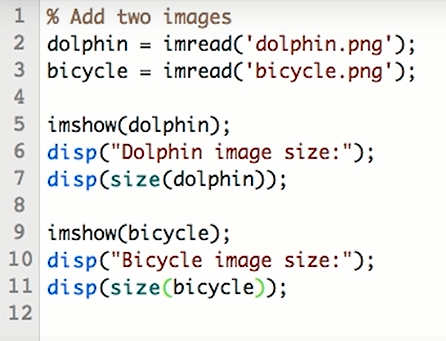

This is important because addition is an element by element operation. This means pixels in one image get added with corresponding pixels in the other image, and so on. Since the two images are of the same size, we can add them. Octave is intelligent enough to figure out that these two are matrices of the same size and hence performs an element-wise addition. The result is, as you would expect, an image that has elements of both source images.
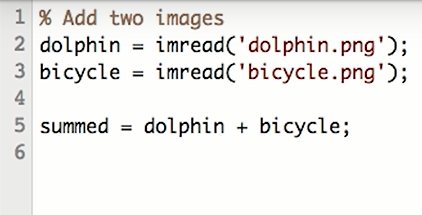

You can clearly see the bicycle and the white surf. You can also see the dolphin faintly visible. Notice how this image is exceptionally bright. Many areas are washed out. Why do you think the image is so bright? To find out, let's look back at our code. Note that we're directly adding values from both images. Areas where both images are bright turn out to be doubly bright. This indicates that we should perhaps scale down the image intensity values. By how much? We'll think of a pixel, where both these images have the maximum intensity value. That pixel in the summed image will have twice the maximum value. So if we want the maximum possible value in the summed image to be the same as the maximum possible value in each of these source images, then we want to divide the intensities by 2. Does this look familiar?
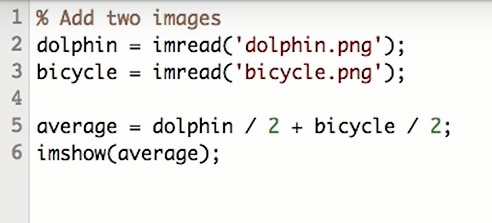
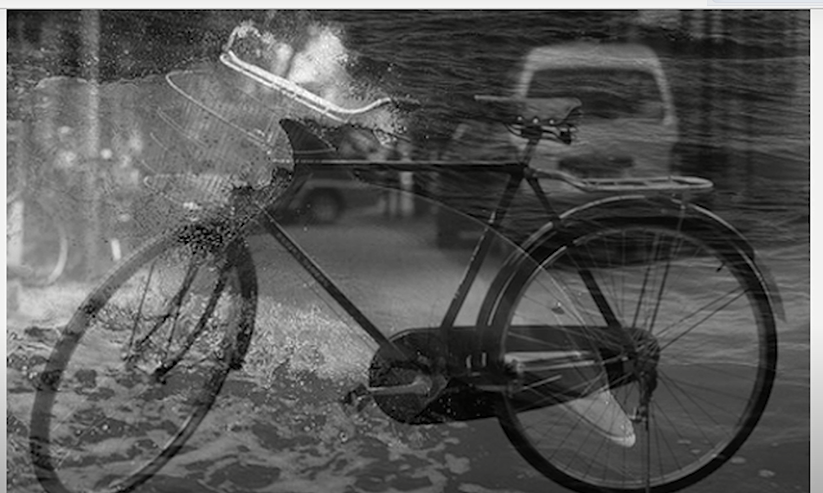
Yes, this is the average of the two images. Let's see what this looks like. All right, much better. Compare this with the direct sum. You can clearly see the difference in brightness. Also notice that there are no longer any washed out areas. Let's rewrite the expression for average and see what happens. Since both bicycle and dolphin are being divided by 2, we should be able to add them first and divide the result by 2, right? And let's call it average_alt. Let's see what this looks like. Wait a second, this is not right. Shouldn't the two results be the same?


Adding two images using Python
from google.colab
import drive drive.mount('/content/drive')
from matplotlib import pyplot as plt import cv2 import numpy as np